

Duplicate Agent Functionality#
Access Duplicate Feature#
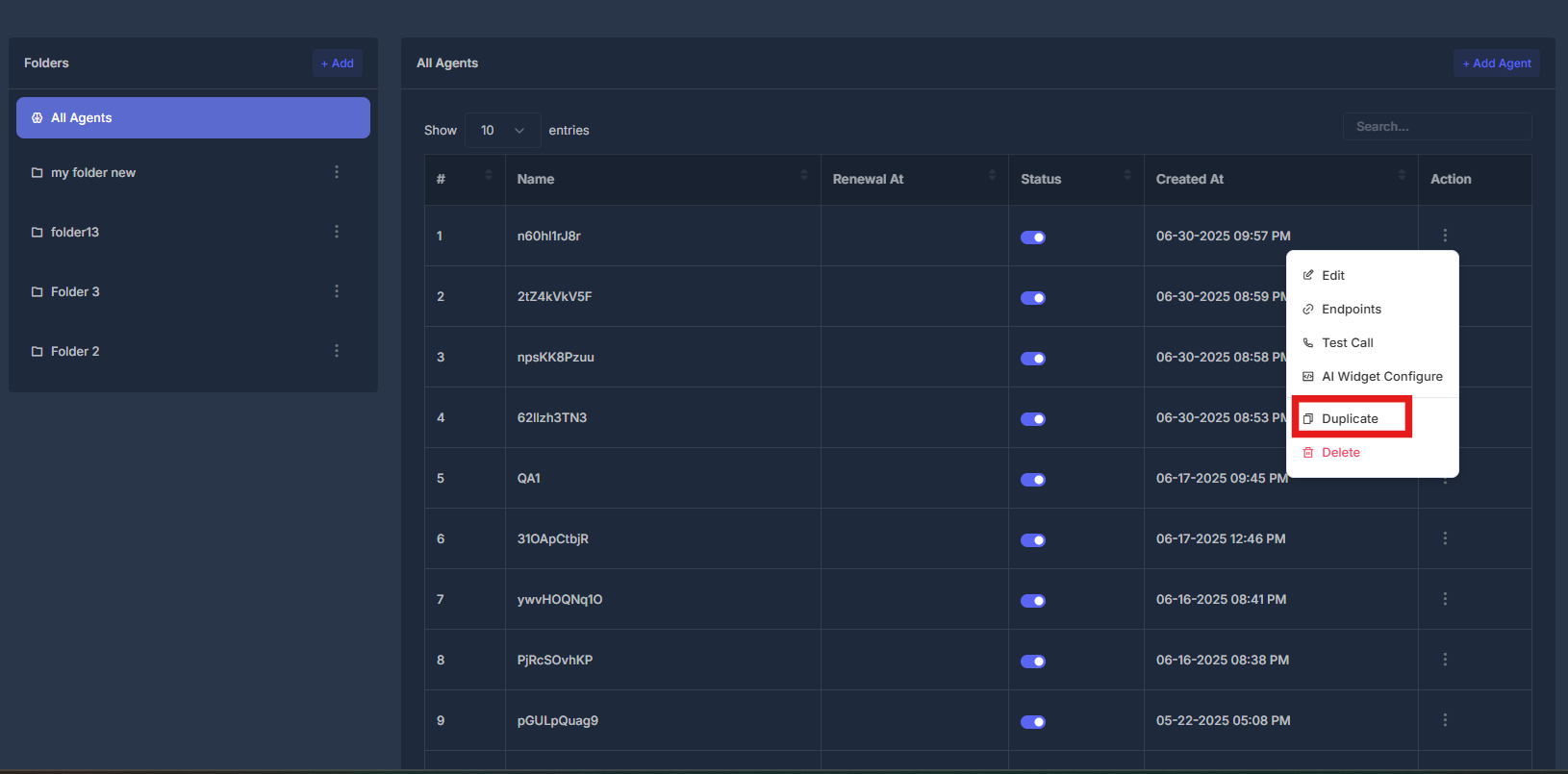
- Agent Actions Menu - Click the action button (⋮) next to any agent
- Select Duplicate - Choose "Duplicate" from the dropdown menu
- Clone Process - System creates exact copy of selected agent
- New Agent Creation - Duplicated agent appears in agent list with new identifier
Quick Actions#
Clone Agent
Duplicate existing agent configuration quickly
Customize Copy
Modify duplicated agent settings as needed
Test Duplicate
Verify duplicated agent functionality
Organize Agents
Organize duplicated agents in appropriate folders