🌐 Custom Domain & Branding#
🚫 No Whitelabel Domain Found#
When no domains have been configured yet, the interface displays an empty state:
📝 Setup Guide#
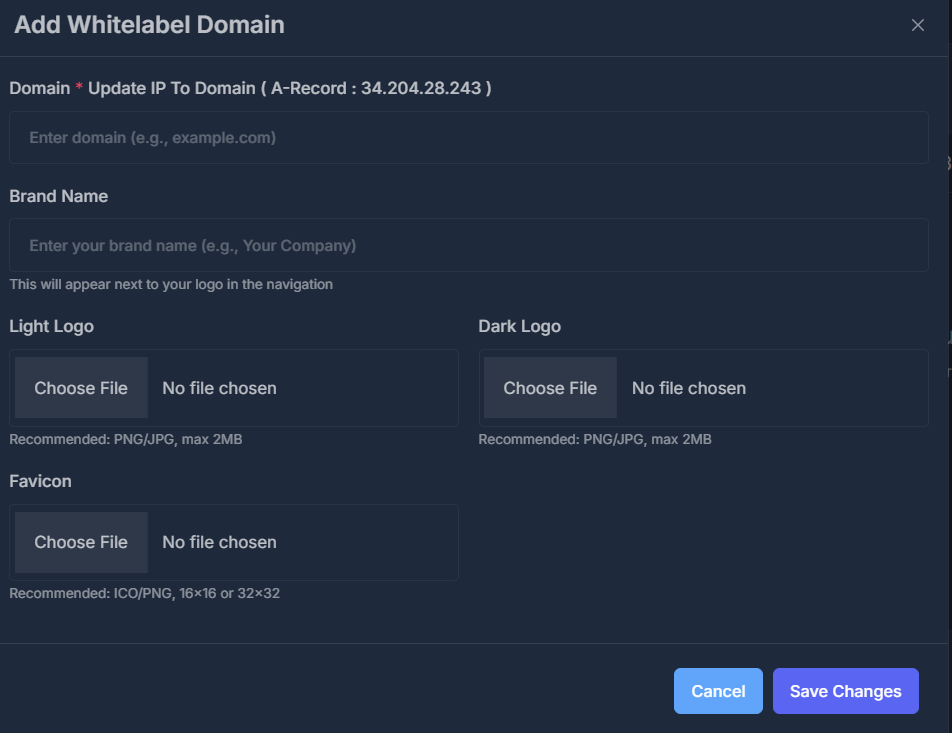
- Primary Action - "Add Domain" button
- Purpose - Initial domain setup to enable white-label branding
- Branding Context - Explains connection between domain and branding customization
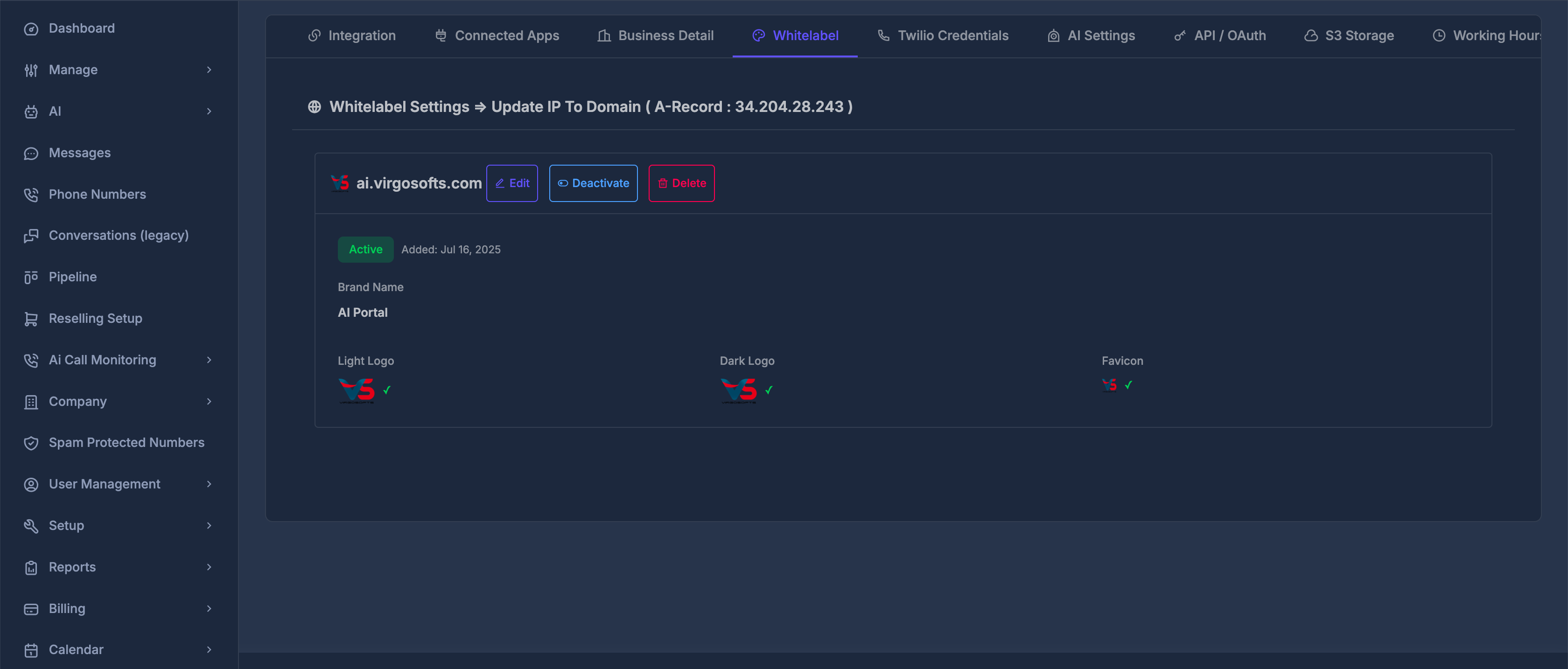
- Section Title - "Whitelabel Settings → Update IP To Domain ( A-Record : 34.204.28.243 )"
- DNS Instructions - Clear guidance for A-Record configuration
- IP Address - 34.204.28.243 for DNS setup
🛠️ Domain Configuration#
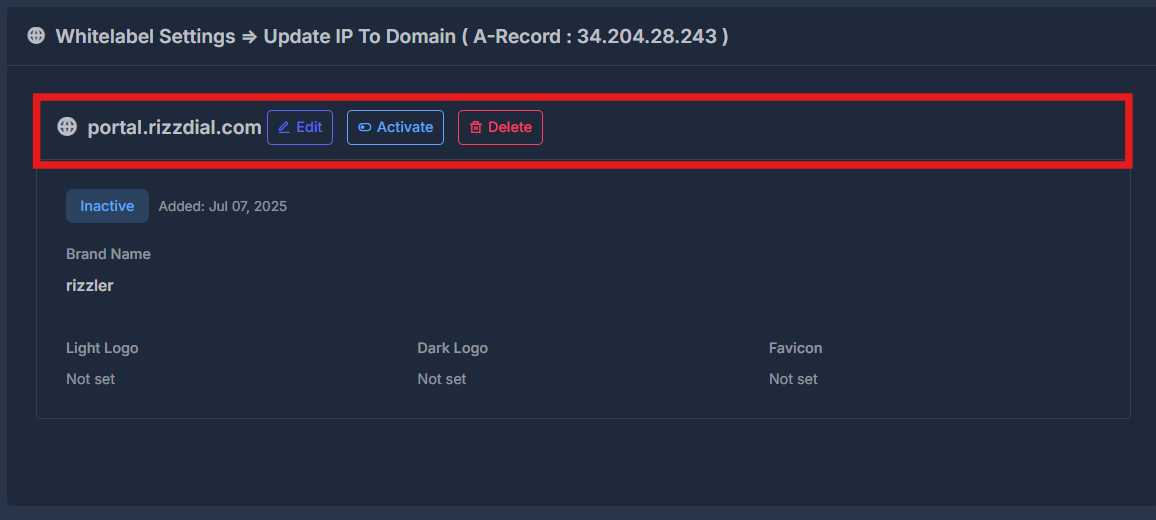
🌍 Current Domain: portal.aisync.link.com#
The domain management section displays the configured domain with action controls:
🛡️ Domain Action Buttons#
- Edit Button - Blue edit icon for modifying domain settings
- Activate Button - Blue activate icon to enable the domain
- Delete Button - Red delete icon for removing the domain
🎨 Brand Identity Settings#
🏷️ Brand Name Configuration#
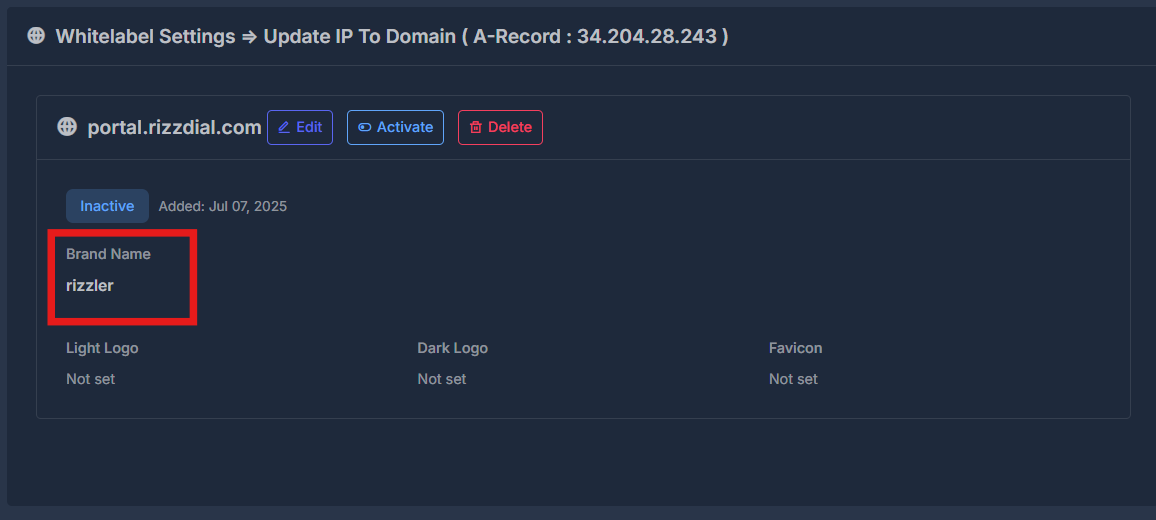
- Current Brand Name - "Ai sync"
- Purpose - Appears next to logo in navigation
- Brand Display - Controls how brand appears throughout the interface
- Customization - Fully customizable text branding for your organization
🖼️ Logo Management System#
🌞 Light Logo Configuration#
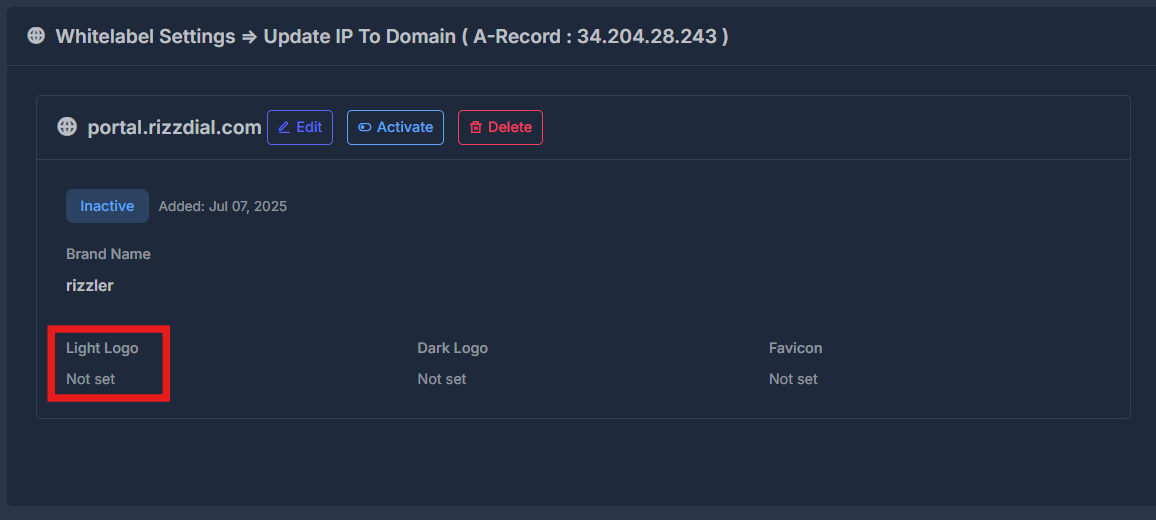
- Current Status - "Not set"
- File Requirements - PNG/JPG format, maximum 2MB file size
- Usage Context - Displayed in light theme interfaces
- Recommended Dimensions - Optimized for navigation bar display
- Upload Process - Click "Choose File" to select and upload logo
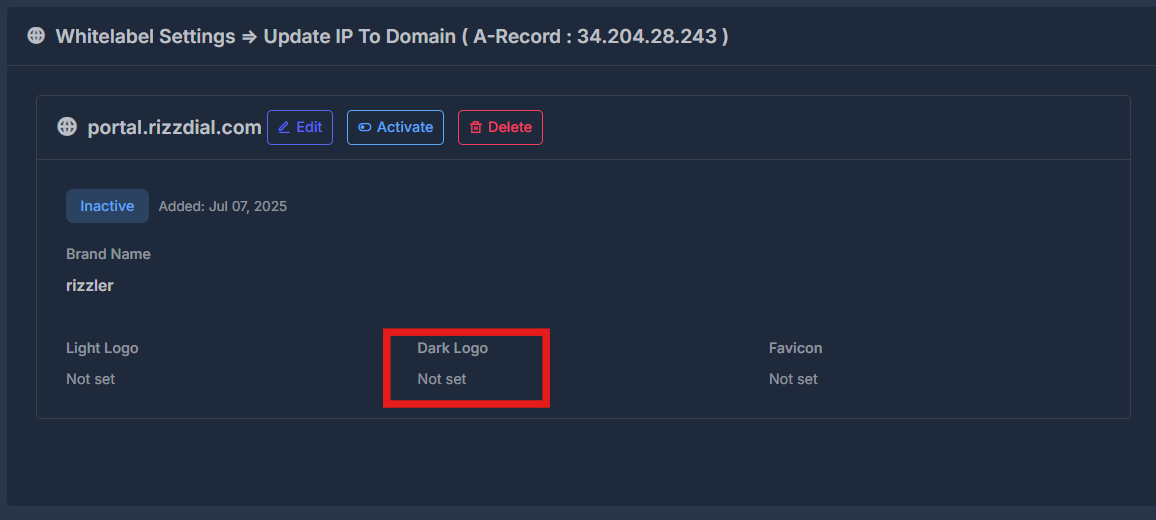
🌚 Dark Logo Configuration#
- Current Status - "Not set"
- File Requirements - PNG/JPG format, maximum 2MB file size
- Usage Context - Displayed in dark theme interfaces
- Theme Compatibility - Ensures brand visibility across all interface themes
- Upload Process - Select appropriate logo for dark backgrounds
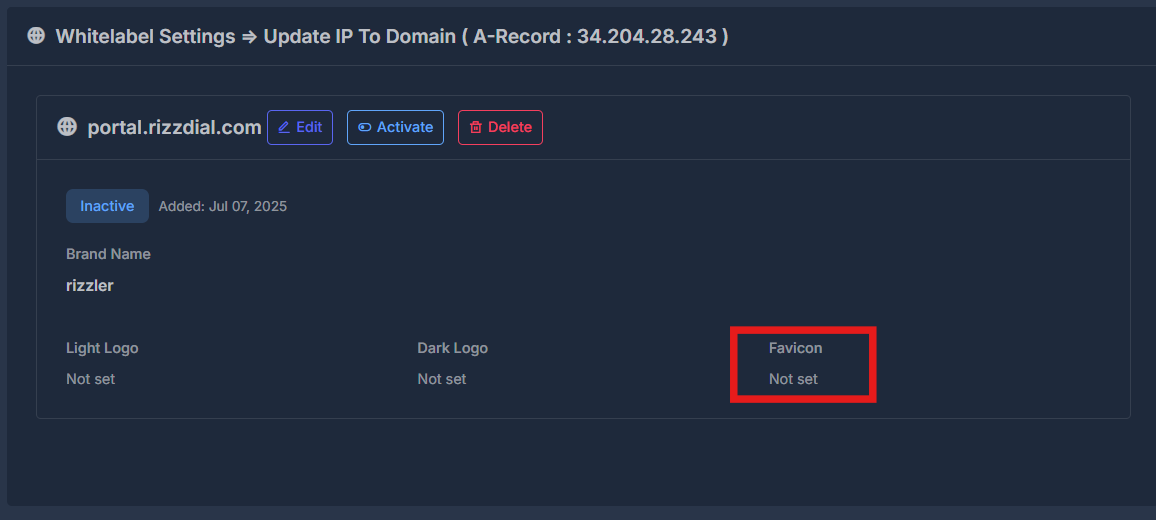
🧩 Favicon Configuration#
- Current Status - "Not set"
- File Requirements - ICO or PNG format
- Recommended Dimensions - 16×16 or 32×32 pixels
- Browser Display - Appears in browser tabs, bookmarks, and favorites
- Brand Recognition - Small but important branding element for web presence
✏️ Edit Whitelabel Domain Modal#
When clicking the Edit button, the modal opens with detailed configuration options: