
📅 Setting Work Days#
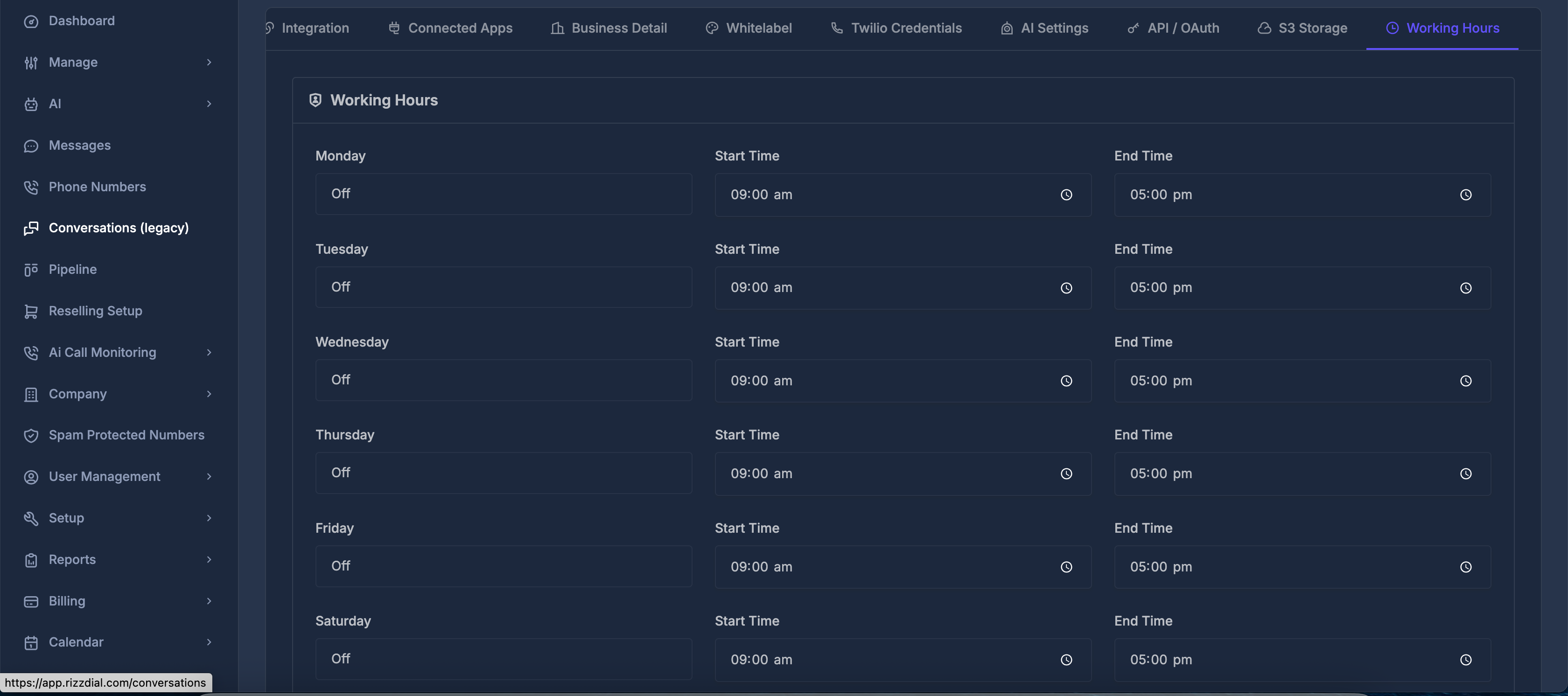
For each day of the week, you can:
- Toggle Day Status: Use the "On/Off" toggle to enable or disable working hours for specific days
- Set Start Time: Configure when your business day begins
- Set End Time: Configure when your business day ends
⏰ Time Selection#
When configuring start and end times:
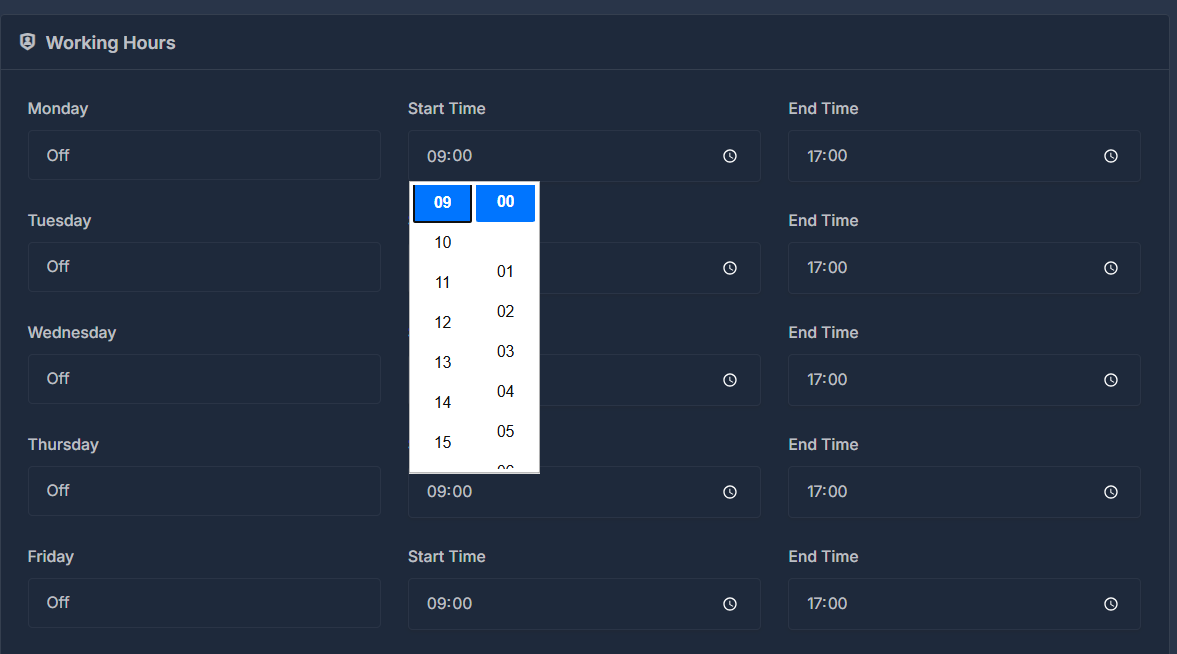
- Click on the time field to open the time picker
- Select hours (00-23) and minutes (00-59) using the dropdown menus
- Times are displayed in 24-hour format (e.g., 09:00, 17:00)